




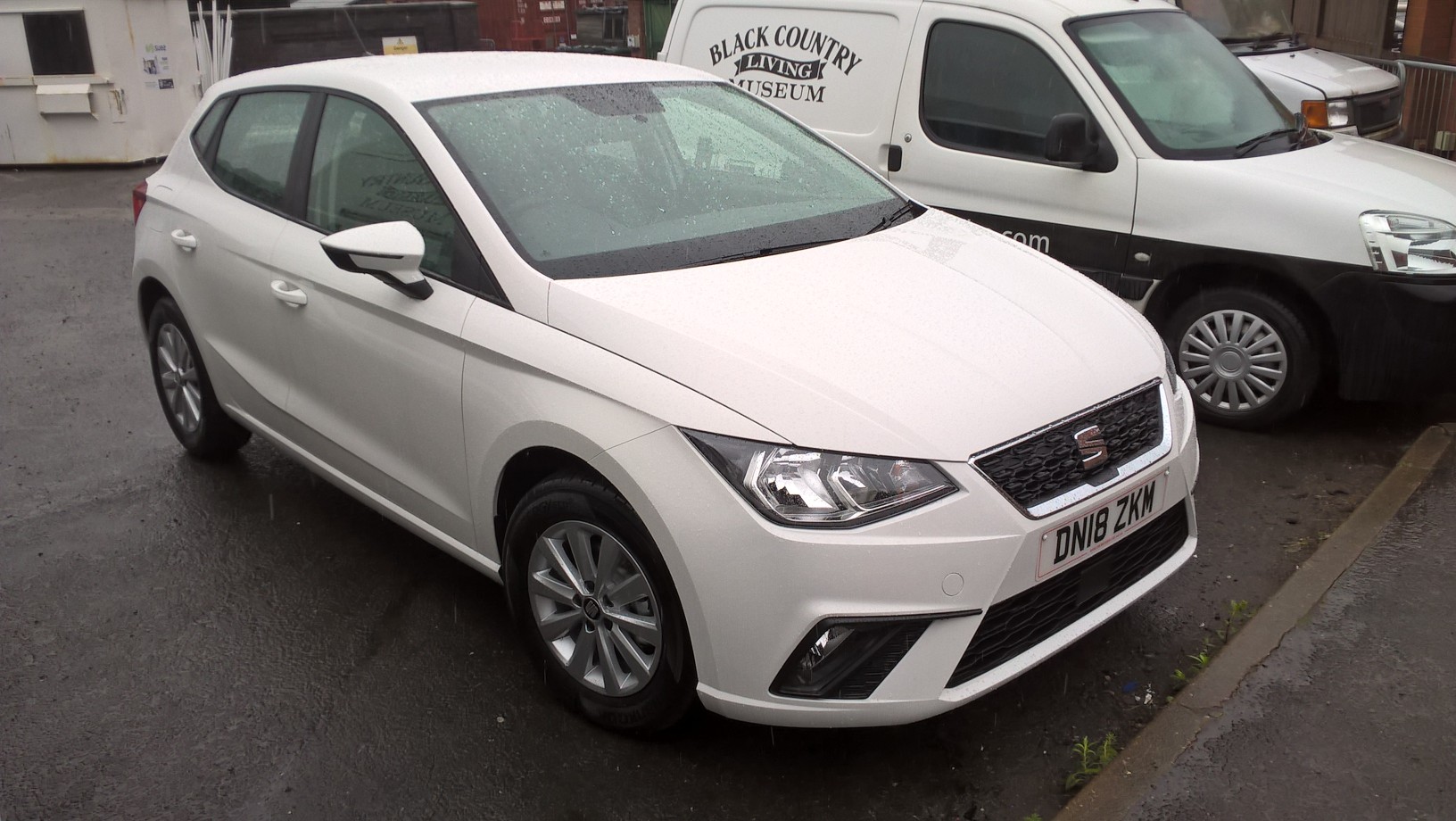
We now have a brand new Seat Ibiza that can be used as a staff pool car by any member of staff with a current driving licence going off site on museum business.
Bookings will be managed by Ray Disney through a dedicated shared calendar (details on how to do this are listed below). You will be responsible for the vehicle whilst it is in your possession, in the same way as when taking the vans. But, for the pool car, you are also required to complete the paper ‘Use Log’ which is to be kept inside the vehicle. This information will help us to understand how often the car is being used, by whom, for what purpose and by which department.
A fuel top-up card has been ordered, which will be kept in the glove box to enable staff to re-fuel as necessary at Tesco, Morrison’s & Sainsbury’s forecourts. Details on how to do this will be found in the Use Log folder.
The car will also be receiving corporate graphics to match the two vans in the coming weeks.
How to open and use the Pool Car Calendar
- Open Outlook and click the ‘calendar’ tab.
- On the ‘home’ tab click ‘open calendar’ and then ‘open shared calendar’ from the list.
- Type ‘pool’ and click ‘OK’ (the pool car calendar should now open and appear on your list of shared calendars).
How to book the car
- Open the calendar and find the day you wish to book (you will see if it is available).
- Click the time you want to start and pick ‘new meeting’ from the home tab and click ‘new meeting with all’ from the drop down list.
- Complete the appointment request with your name as the subject. NOTE: make sure ‘Pool Car – Seat Ibiza’ is the only entry in the ‘to’ box (otherwise it will send invites to all of the calendars you have open at the time) and then send.
- The request will appear as Tentative until Ray approves your request.
Or
- Open the calendar and find the day you wish to book (you will see if it is available).
- select the time on your own calendar, right click and select ‘new appointment’
- Complete the appointment request with your name as the subject, click ‘invite attendees’ from the appointment tab and enter ‘Pool Car – Seat Ibiza’ in the ‘to’ box and then send.
- The request will appear as Tentative until Ray approves your request.
If you have any questions please get in touch with David Pitt.
Leave a Reply